.svg)
TL;DR: Retail chains should evaluate digital signage platforms as an operational readiness assessment, not a features comparison. Five criteria predict whether a deployment scales: easy content updates for local teams, remote device management, firmware-level security, standardized hardware, and integrations that put business data on screens. This guide covers each one, plus the questions to bring into your next vendor conversation.
Key Takeaways
- Content management should remove IT from routine updates. Role-based access lets corporate teams protect brand standards while store and regional teams manage local messaging.
- Remote device management is non-negotiable at scale. When screens span hundreds of stores, remote monitoring and troubleshooting keep screens on without dispatching technicians.
- SOC 2 Type 2 compliance is the security baseline. Pair it with encryption, SSO, MFA, and firmware-level device lockdown, and keep signage segmented from POS systems.
- Scalability depends on architecture and hardware. Multi-tenant permissions and a standardized device fleet matter more than any feature checklist.
- Integrations turn screens into operational tools. Dashboard, emergency alert, and content creation integrations extend signage well beyond promotional loops.
Most retail chains start a digital signage evaluation with a features spreadsheet. Vendors fill in the columns, and the team picks whichever row has the most checkmarks. Six months later, the screens are up, the content is stale, and IT is fielding tickets from store managers who can't update a promotion without calling headquarters.
The features matter, but the questions that predict success in a multi-location retail environment rarely appear on a standard RFP. The difference between a deployment that runs itself and one that becomes an IT headache usually comes down to what you ask before you sign, not what you test after.
What should a retail chain look for in content management?
A retail chain should look for content management that lets both corporate and store teams update screens quickly without IT involvement. That means role-based access, flexible scheduling, and content that syncs automatically from the tools teams already use. Content management is where the daily reality of a signage platform lives: marketing needs to push a flash sale to 200 stores by noon, regional managers need to swap seasonal promotions without a support ticket, and compliance needs confidence that every screen shows approved content.
Role-based access keeps brand control central and local updates fast
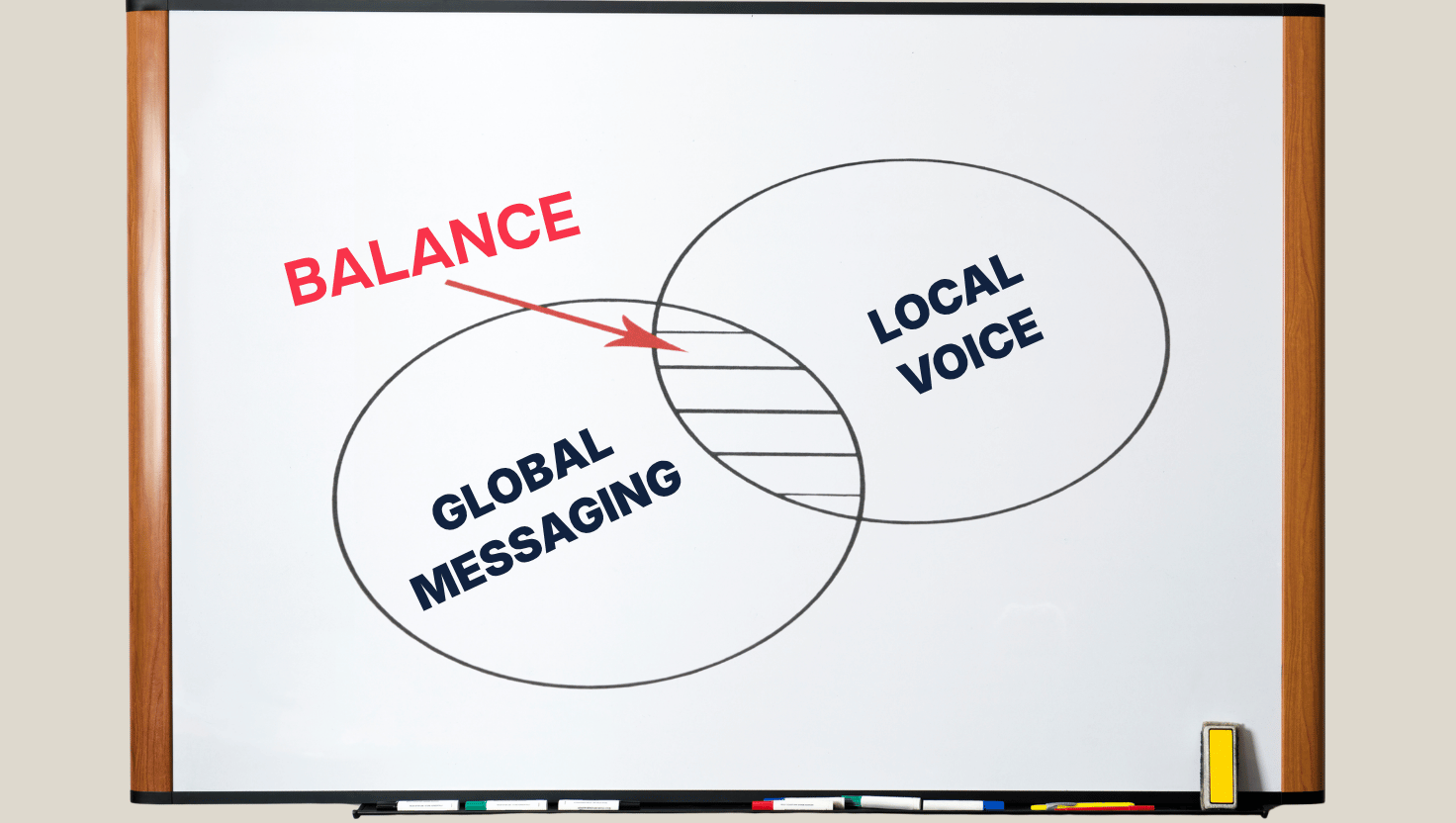
Start with who actually touches the platform day to day. If every update requires someone with technical training, the platform will bottleneck the teams trying to use it. Look for role-based access that lets corporate teams push mandatory content and maintain brand standards, while local teams manage location-specific messaging on their own screens.
Dayparting and location targeting are baseline requirements
Dayparting, which shows different content at different times of day, is table stakes for retail. An in-store coffee counter needs morning menu boards; the electronics department needs holiday promotions that start the moment doors open on Black Friday. Location-based targeting delivers the right message to the right region, and playlist management should support both corporate-mandated content and locally curated additions.
Easy updates are what keep screens fresh
Stale screens are usually a workflow problem, not a content problem. When updating is difficult, content stays up long after the promotion ends. Look for auto-sync capabilities that let teams update files in cloud storage, such as OneDrive or Google Drive, and see those changes reflected on screens automatically.
{{divider}}
How important is device management for multi-store retail deployments?
Device management is essential for multi-store retail, because remote monitoring and troubleshooting are the only practical way to keep hundreds of screens running across locations and time zones. It is also what separates platforms built for enterprise retail from those designed for single-location setups.
Remote tools resolve most issues without an on-site visit
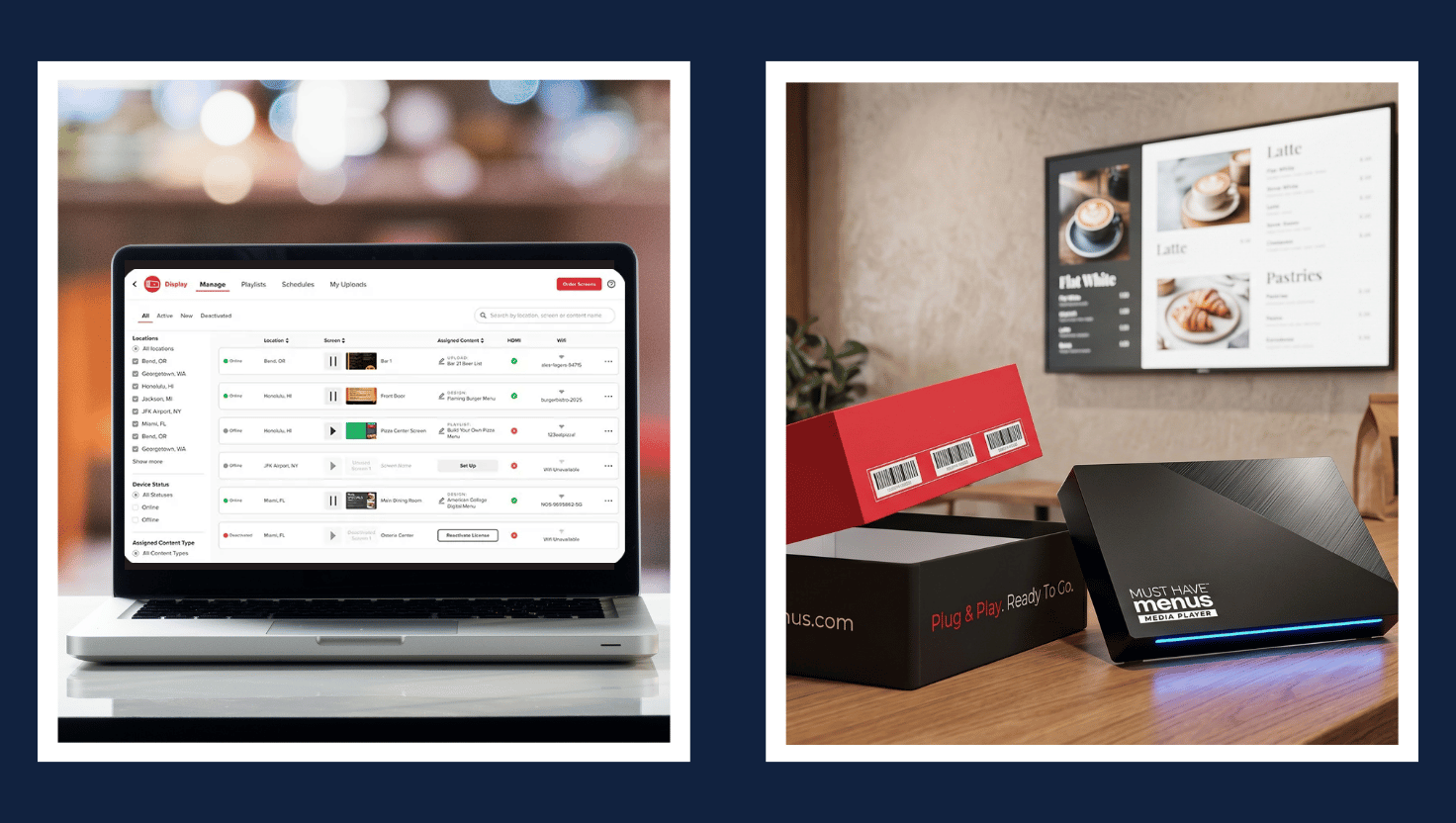
When a screen goes dark in a store 1,200 miles from your nearest IT resource, you need remote reboot, screenshot capture for troubleshooting, over-the-air firmware updates, and real-time health monitoring that alerts your team before a problem reaches the store level.
Hardware reliability compounds across hundreds of stores
A media player that fails occasionally in one store becomes a steady stream of support tickets across hundreds. Consumer-grade players that weren't built for 24/7 commercial operation tend to go offline more often and need replacing sooner, and every failure means a technician visit, a support cost, or a dark screen during peak shopping hours. Ask vendors what hardware their platform runs on and how that hardware is managed and supported over its lifespan.
Full-stack platforms give you one point of accountability
When one vendor controls hardware, firmware, and software, there is one call to make when a screen goes down, not a finger-pointing cycle between a hardware manufacturer, a firmware provider, and a software vendor. Skykit builds its platform around this principle: hardware, firmware, and software are developed together, so the support team can diagnose and resolve issues across the entire stack remotely.
{{divider}}
What security requirements should retail IT teams prioritize?
Retail IT teams should prioritize SOC 2 Type 2 compliance, encryption in transit and at rest, strong access controls, firmware-level device protection, and network segmentation from payment systems. Connected displays, media players, and cloud management platforms expand your attack surface, and for chains handling customer data and payment systems, security belongs in the architecture, not on a feature checklist.
SOC 2 Type 2 verifies that security controls hold up over time
SOC 2 Type 2 compliance should be a baseline requirement. It verifies, through independent audits conducted over an extended period, that a vendor's controls for security, availability, and confidentiality operate effectively.
Signage should be treated as IoT infrastructure
Expect role-based access controls, SSO support, MFA on admin accounts, encryption in transit, and firmware-level device lockdown. Signage systems should be network-segmented from point-of-sale and payment card systems, and zero-trust principles apply to them the same way they apply to any connected device on your retail network.
Firmware control closes a common security blind spot
Ask vendors specifically who controls the firmware on their media players. If a vendor can't update, patch, or lock down firmware remotely, your security team is left managing that layer on its own across every device in every store.
Skykit is SOC 2 Type 2 compliant and encrypts data in transit. The platform supports SSO through Okta, Google, and Microsoft, enforces MFA for admins, and offers granular role-based access controls. Skykit media players run purpose-built firmware with a firmware-locked kiosk mode and developer tools disabled. Full details are available in the Skykit Trust Center.
{{divider}}
How should you evaluate scalability for a growing store network?
Evaluate scalability by whether the entire platform holds together as your store count grows from 50 to 500. Content management, device monitoring, user permissions, and support all need to scale in step with each other, not just the number of screens a license allows.
Multi-tenant architecture separates corporate and local control
Multi-tenant architecture lets corporate teams maintain brand standards and push global content while regional or district managers run their own locations without IT involvement for every update. Grouping screens by region, department, store format, or function makes targeted distribution far more efficient than managing displays one at a time.
Hardware standardization keeps growth manageable
Organizations that accumulate devices from different vendors over time tend to see slower troubleshooting, inconsistent performance, and higher management overhead as the network grows. A platform built around a consistent device standard is far easier to scale than a patchwork assembled vendor by vendor.
Two questions reveal more than any feature comparison
Deployment size and content needs vary too much for generic benchmarks to be useful. Instead, ask vendors two direct questions: Can local store teams manage their own content without waiting on IT? And is the platform built around standardized hardware, or does it rely on a mix of devices accumulated over time?
{{divider}}
What integrations make retail signage more than a promotional display?
The integrations that matter most connect existing business data, safety systems, and content tools to your screens. Retail signage earns its highest value when it puts information where decisions get made, not when it plays promotional loops on the sales floor.
Dashboard integrations turn screens into operational tools
Dashboard integrations with tools like Power BI, Tableau, Salesforce, and Grafana let back-office displays show real-time sales targets, inventory levels, and fulfillment metrics. Break room screens can carry HR communications, safety updates, and shift schedules. Look beyond simple URL embedding: enterprise-grade implementations should support SSO authentication, automatic session refresh so dashboards don't go stale or lock out, and formatting that stays readable from across a stockroom. Skykit Dashboard Connections support 100+ integrations, so teams can put the reports they already use on screens without rebuilding them.
Emergency alert integrations turn screens into a safety channel
Emergency alert integrations are often overlooked during evaluation but become critical in practice. Connections to systems like Alertus or InformaCast turn a signage network into a safety communication channel, delivering alerts to every screen in every store at the same time.
Content creation integrations speed up marketing
Platforms that sync with Canva, Google Slides, and PowerPoint let marketing teams work in familiar tools instead of learning a proprietary editor. Auto-sync from cloud drives means updates reach screens without anyone manually re-uploading files.
{{divider}}
What questions should you ask vendors during evaluation?
Ask questions that expose how a platform performs under real retail conditions, not in a demo environment. These questions help separate platforms built for multi-location retail from those adapted for it after the fact.
Deployment and support questions test accountability
- What is your average time from contract to live screens across 50+ locations?
- What does your support escalation path look like when a screen goes down during store hours?
- Do you offer single-point accountability for hardware, software, and firmware issues, or does support involve third-party handoffs?
Content operations questions test day-to-day usability
- Can a regional marketing manager update content for their stores without submitting an IT ticket?
- How does the platform handle dayparting and location-specific targeting?
- What happens to screens when internet connectivity drops?
Security and compliance questions test architecture
- Are you SOC 2 Type 2 compliant?
- How do you handle firmware updates and security patches across deployed devices?
- What network segmentation do you recommend for signage relative to POS systems?
Scalability questions test growth readiness
- Walk me through how your platform handles going from 100 to 1,000 screens. What changes in pricing, architecture, or support?
- How do you handle multi-tenant permissions when corporate and local teams need different levels of control?
Measurement questions test proof of performance
- What proof-of-play reporting do you provide?
- How do you verify that content actually displayed, not just that it was scheduled?
- What analytics exist for tracking screen health and uptime across the fleet?
{{divider}}
How does Skykit support retail chains?
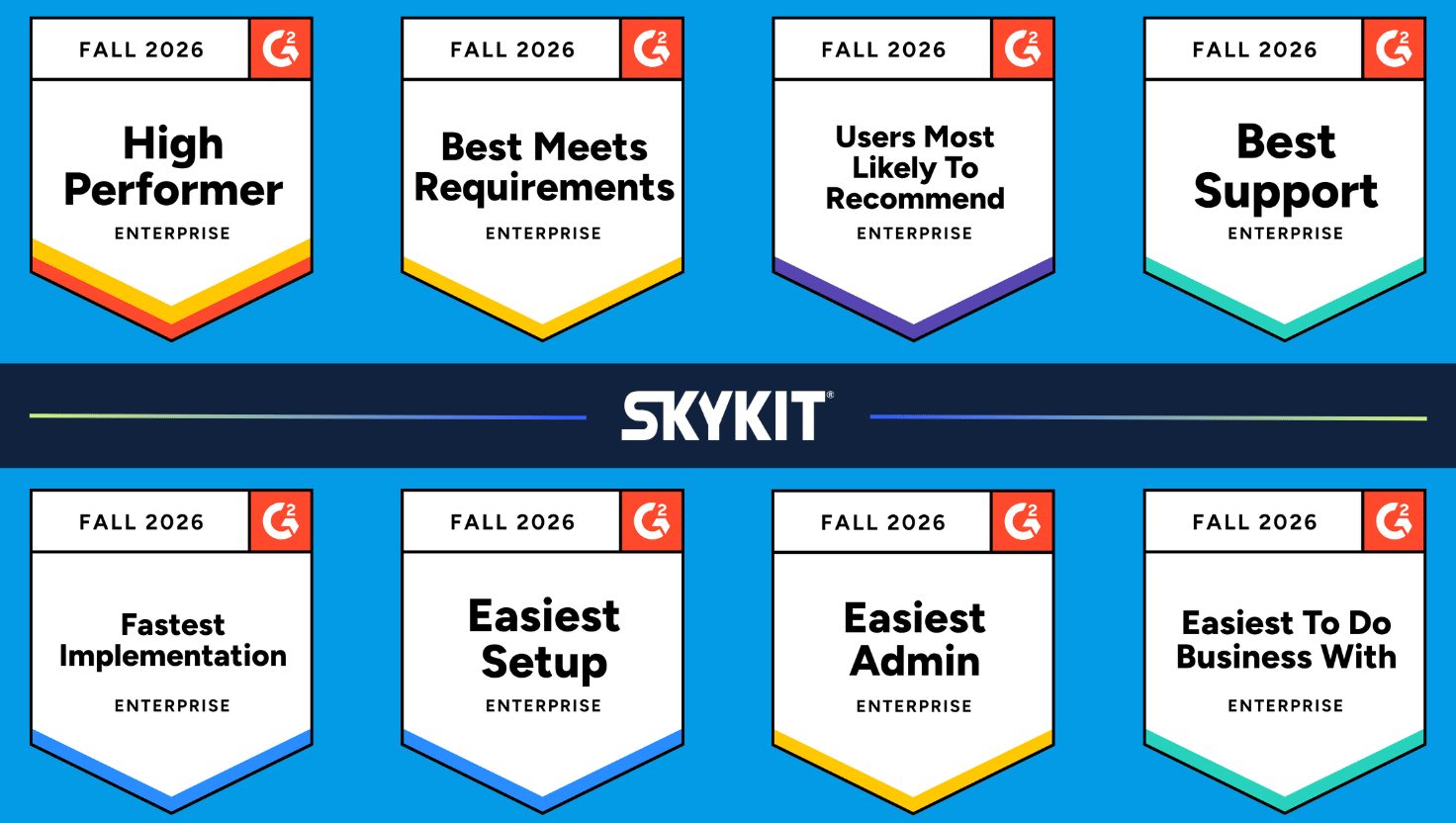
Skykit gives retail chains one digital signage platform for every screen, from the sales floor to the back office. Retailers including Crate & Barrel, Goodwill, SharkNinja, and Schnucks are among the 1,000+ companies that rely on Skykit, backed by SOC 2 Type 2 compliance, 99.99% playback uptime, and single-vendor accountability across hardware, firmware, and software.
Customer-facing screens
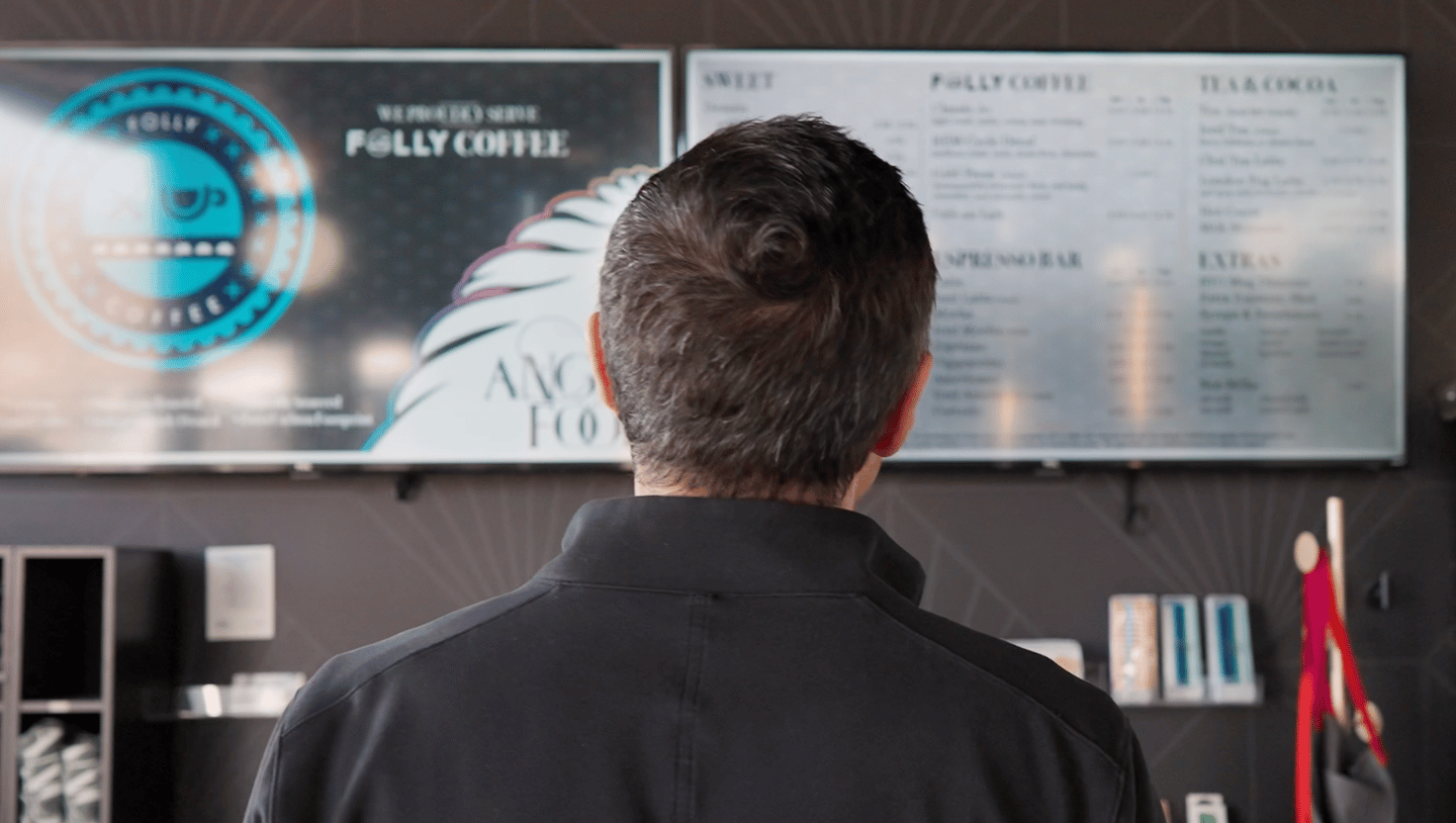
Retail teams use Skykit to promote products, run seasonal offers, display café menus, and show queue wait times, with updates pushed to every location in minutes and no IT required.
"If we have a last-minute promotion, we can put that on the screens across all our bakeries in minutes." — Angel Food
Back-office screens keep teams aligned
Real-time dashboard integrations bring live sales, inventory, and loyalty data from tools like Power BI, Tableau, and Salesforce to back-office screens, alongside HR communications and emergency alerts.
{{cta}}
Frequently Asked Questions
What is dayparting in retail digital signage?
Dayparting is scheduling different content to play during different parts of the day. A store might run breakfast offers at an in-store café in the morning, then switch the same screen to afternoon promotions, all without anyone touching the display.
Should digital signage share a network with point-of-sale systems?
No. Signage devices should sit on a separate network segment from POS and payment card systems. Segmentation limits the impact if any connected device is compromised and simplifies PCI scope for your security team.
What is proof of play?
Proof of play is reporting that confirms content actually appeared on a screen, rather than just being scheduled to. For retail chains, it verifies that mandatory promotions, co-op marketing, or compliance messaging ran where and when it was supposed to.
Who should be involved in a retail digital signage evaluation?
Include IT, marketing, store operations, and security from the start. IT evaluates device management and network requirements, marketing tests content workflows, operations represents store-level users, and security reviews compliance and firmware controls. Platforms that satisfy only one group tend to stall after rollout.

Evaluating Retail Signage Platforms?
See how Skykit runs every screen from the sales floor to the back office, with one vendor accountable for hardware, firmware + software.









.svg)


