.svg)
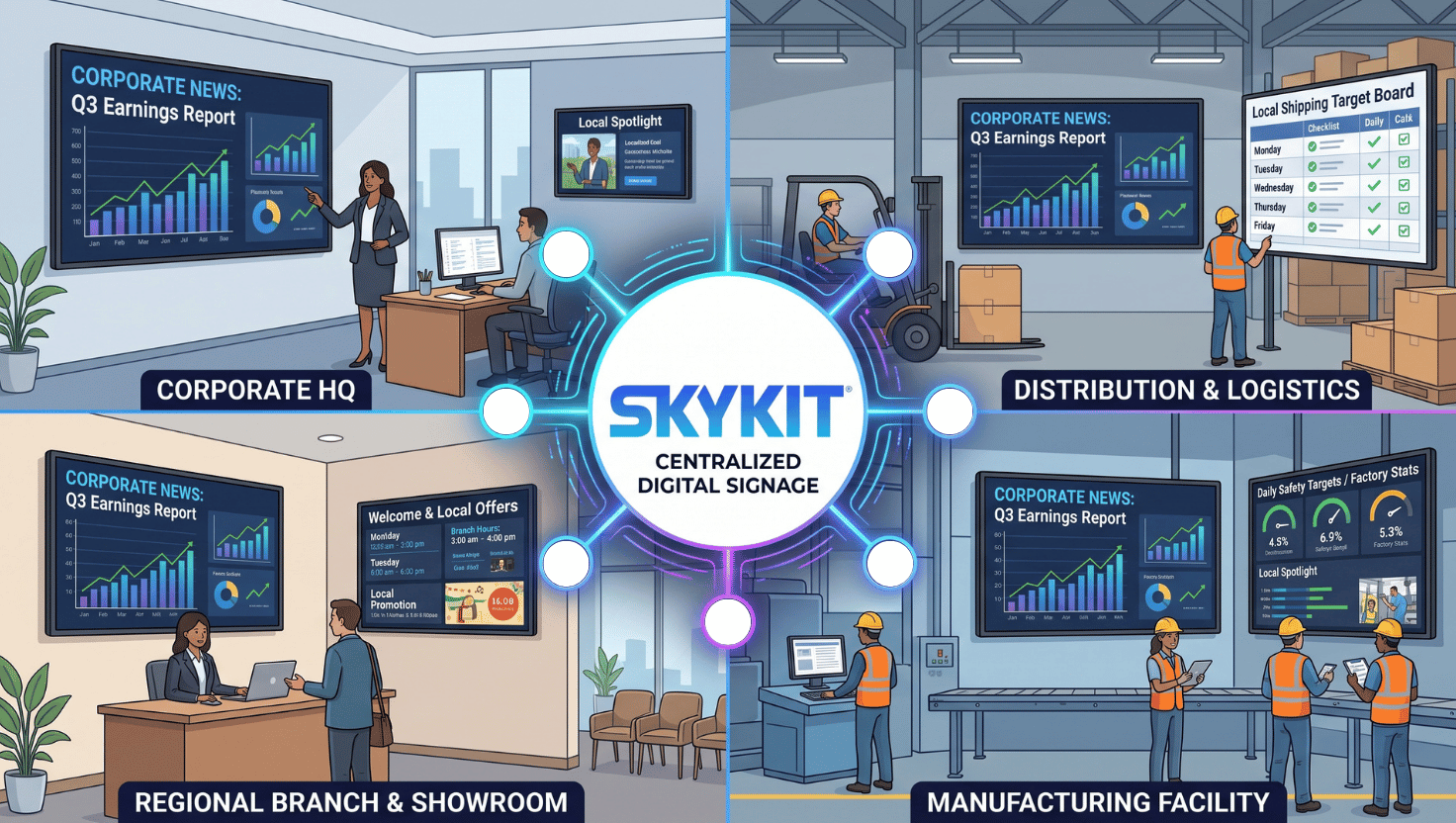
TL;DR: Centralized digital signage lets multi-site organizations manage every screen, at every location, from one place. That opens up four big opportunities:
- Content that stays fresh because it's easy to update.
- Screens that blend company-wide messaging with local news.
- Confidence that the right content is playing everywhere.
- Hours of labor returned to your teams.
Most organizations can make the move in one to three weeks.
Screens in break rooms, lobbies, production floors and storefronts can be one of the most effective ways to reach a distributed workforce or customer base. Whether they live up to that potential depends less on the screens themselves than on how you manage what's on them.
We explored this in a recent live session with Jen Snelders (Head of Product at Skykit) and Nick Dolansky (Director of Strategic Partnerships). Here's what centralized digital signage makes possible, and what we've seen when multi-site organizations make the shift.
What is centralized digital signage?
Centralized digital signage is a setup where every screen across every location is managed from a single cloud-based platform. Instead of updating each screen individually — with a USB drive, a local computer, or an emailed file a site manager has to load — your team publishes content once and it reaches the right screens automatically.
It replaces screen-by-screen updates
Many organizations still update screens by hand. In Skykit's review of conversations with prospective customers over the past three months, more than a third were making manual updates. And half of those were using USB drives. Centralization replaces that process with one place to create, schedule, publish and monitor content.
It's built for organizations with many locations
The value grows with every site you add. A team managing screens at a single office can get by with a manual process. But one managing dozens (or hundreds) of locations simply cannot do it efficiently. Most attendees in our session managed between 11 and 50 screens, right where centralization starts to pay off.
{{divider}}
How does centralized digital signage keep content fresh?
It makes updating so easy that you can do it as often as you want. When publishing takes a few clicks instead of a trip to every screen, teams stop rationing updates and start using screens as a live communication channel.
Update daily instead of when you can get to it
Nick explained that once updates no longer require physical effort, the question changes from, "Is this worth the trip?" to "How often do we want to refresh this content?" Many teams move to daily updates and get far more value from the screens they already have.
Fresh content keeps people looking
The most common question Jen hears from customers: “How do you keep employees/customers/visitors/patients’ eyes on our screens?” Frequency is a big part of the answer. Content that changes regularly gives people a reason to look up.
Updates can flow from tools your teams already use
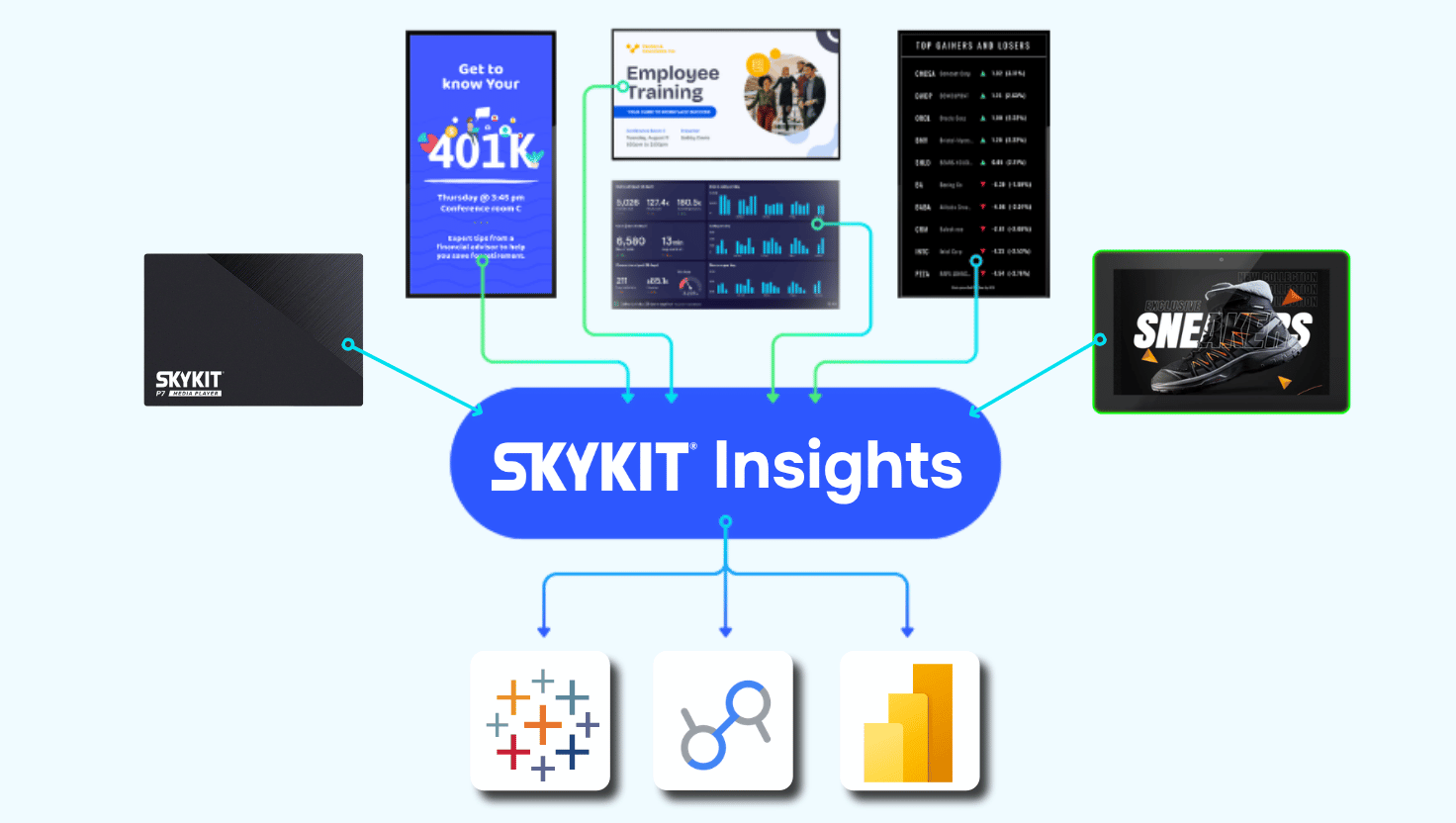
Centralized platforms can connect to the places content is already created. In Skykit, editing a slide that's in a playlist pushes the change to every screen running it. Google and Microsoft files can sync automatically each night, so a site employee can own one set of slides without learning a new system. Designers can keep working in Canva and publish straight to screens.
{{divider}}
Can corporate and local teams share the same screens?
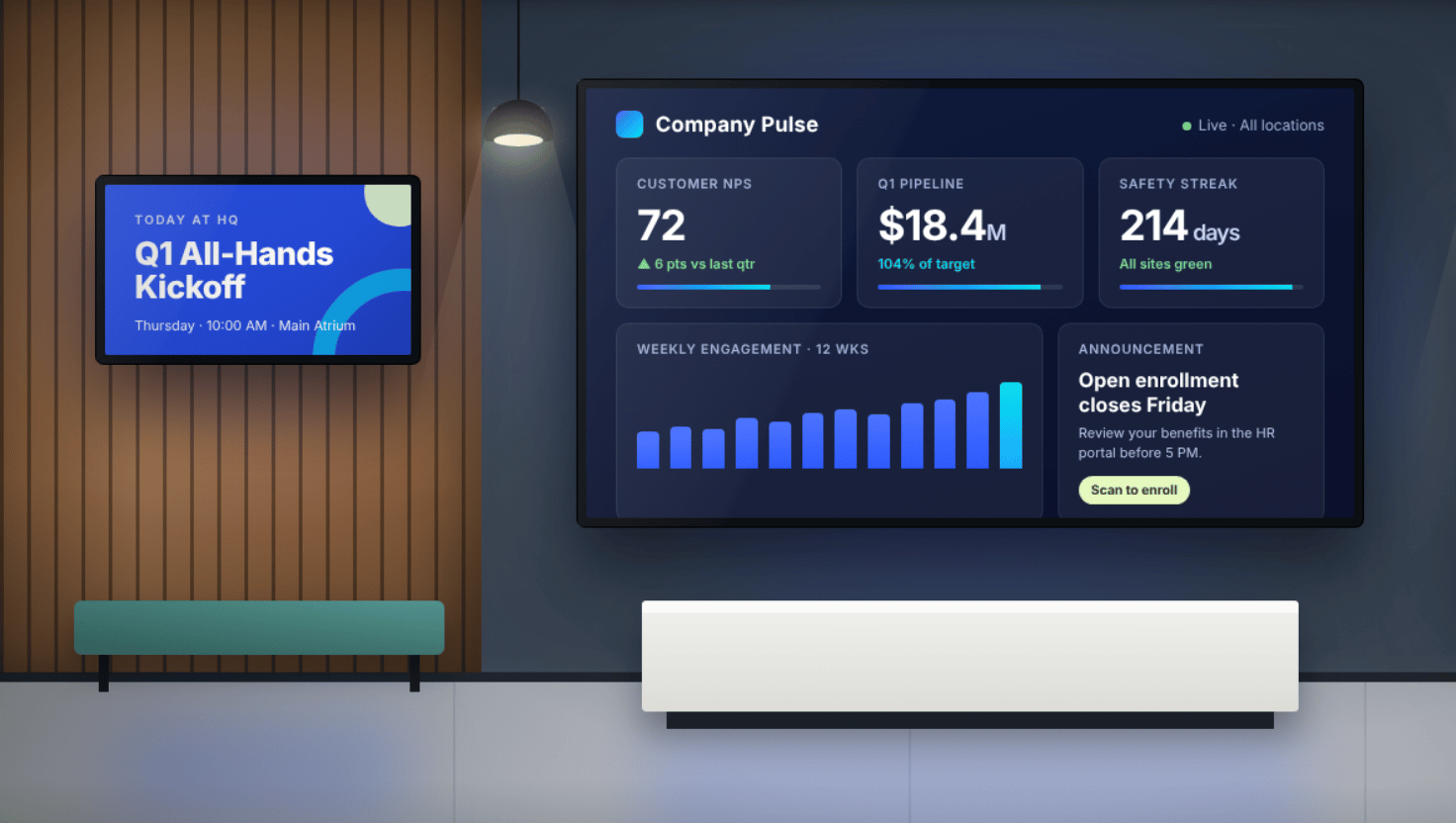
Yes. One of the biggest advantages of centralized signage is that headquarters can keep brand messaging consistent while each location adds content that feels personal. You don't have to choose between control and relevance.
Every location has its own needs
As Nick put it, 100 locations will have 100 different sets of needs. A company-wide message matters, but so does a five-year work anniversary, a local blood drive, or a shout-out for a strong quarter. That local content is often what draws people to the screen in the first place...even if it's as simple as the weather forecast.
Shared content keeps the brand consistent
With content sharing, corporate creates and distributes core content to every location, and sites can't edit or alter it. But each site can still have the ability to manage its own screens and add local content alongside it.
Zoned layouts give each team its own space
Screens can be split into zones so different teams own different areas. Corporate might hold the main pane, the local site the side panel, and a safety team a banner along the bottom. Device labels make it easy to send the right content to the right place, such as a break room, production floor, or a main entrance.
{{divider}}
How do you know your content is playing at every location?
Centralized platforms let you see what's on any screen, from anywhere, at any time. That visibility is something manual processes simply can't offer.
See exactly what's playing, remotely
Nick pointed out that with a USB-based process, there's no way to confirm an update actually happened. Was the drive plugged in? Is the screen even on? With centralized signage, you can check instead of wondering. In Skykit, Live View shows what's playing on any screen along with its online or offline status.
Spot hardware issues before anyone calls
Device management tools add another layer of confidence. Skykit's Device Management reports on player status, flags issues, and lets you power displays on or off remotely.
Screens keep playing through network hiccups
Because Skykit caches content on the media player, a dropped connection doesn't mean a blank screen. Content keeps playing, and new updates arrive as soon as the connection returns.
{{divider}}
How much time can centralized digital signage save?
For organizations with many locations, the savings can add up to hundreds of hours a year. Manual updates may feel "free," but their cost is spread across a chain of people...which is why it rarely gets counted.
It frees up every person in the update chain
With a manual process, someone designs the content, and someone emails it to each site. Then, a manager at every location downloads it, loads a drive, and walks it to each screen. Centralization collapses that chain into a single publish step and gives that time back to the people doing the work.
It removes avoidable safety risk
Screens are often mounted high. Nick noted that manual updates can mean employees climbing ladders to reach the back of a display — a risk that disappears when updates happen remotely.
A simple model shows the opportunity
Jen walked through an ROI calculator modeled on a global manufacturer: 100 locations, about two hours per location per update, and a $25 blended hourly rate. That scenario returned about 520 hours and $13,000 in labor a year, and Jen called the two-hour estimate conservative. Every input can be adjusted to fit your own operation.
{{cta}}
How long does it take to move to centralized digital signage?
Most organizations can be up and running in one to three weeks. Nick's rule of thumb is under a week for fewer than 50 screens, and two to three weeks for larger rollouts, depending on whether screens are already in place.
Large rollouts move quickly
One recent Skykit deployment covered more than 200 screens across just over 100 sites. Working with an installation partner, every screen was shipped, installed, and running in about a week and a half. Skykit media players arrive pre-provisioned, so setup is plugging into HDMI and power, and then connecting to Ethernet or Wi-Fi.
You can start simple and grow
Nick recommends moving every location to centralized digital signage at once (when possible) for consistent messaging — though a phased rollout is also an option. You don't need a perfect content structure on day one. Launch with standard messaging, then add local content as you learn what each site needs.
{{divider}}
Key Takeaways
- Centralized digital signage manages every screen from one place. Content is published once and reaches the right screens at every location.
- Easy updates mean fresher screens. When updating takes a few clicks, teams refresh content often and keep people looking.
- Brand consistency and local relevance can coexist. Shared content and zoned layouts let corporate and local teams use the same screens.
- Visibility builds confidence. Remote monitoring shows what's playing everywhere, without a site visit.
- The switch is fast. Most organizations centralize in one to three weeks and get hundreds of hours back each year.
The big idea: Digital signage centralization turns screens from something you maintain into a communication channel that provides real value.

What Can You Save?
See what centralization could mean for your locations. The ROI calculator from the session lets you plug in your own screens, hours and rates.









.svg)


