.svg)
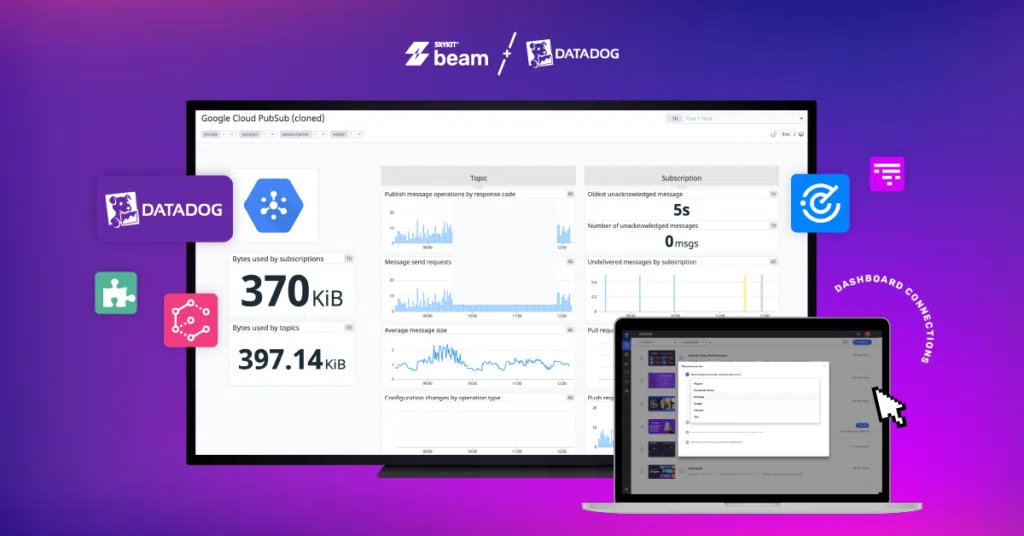
Datadog dashboards are a powerful functionality that many users leverage to display data and track key metrics. But have you considered how to bring your Datadog dashboard to your large-format screens or digital signage?
Digital signage – a network of displays, often installed throughout offices, facilities, stores and restaurants – can be a key way for you to engage your entire team in monitoring and acting upon real-time data.
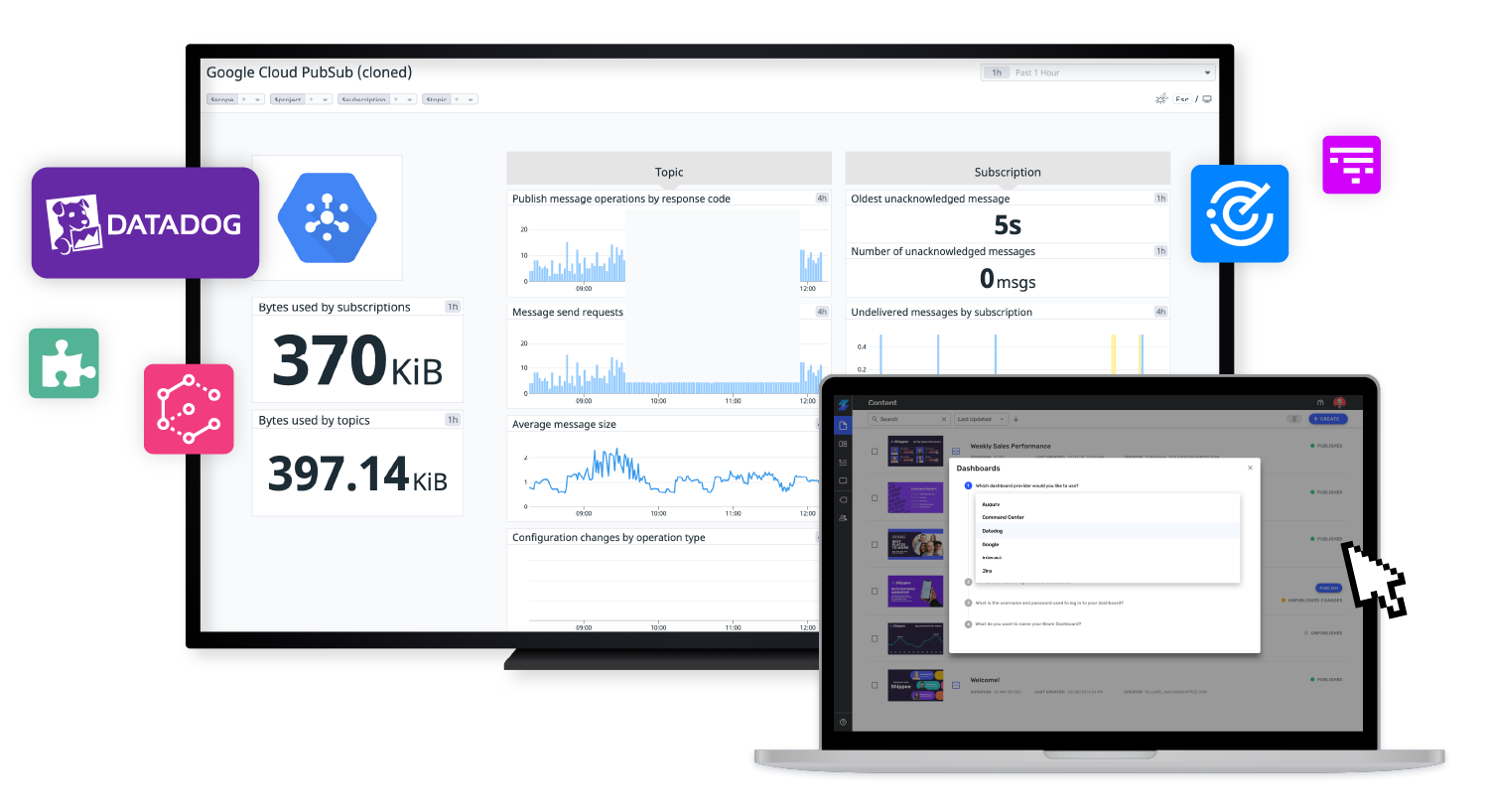
Create Datadog Dashboards for Digital Signage
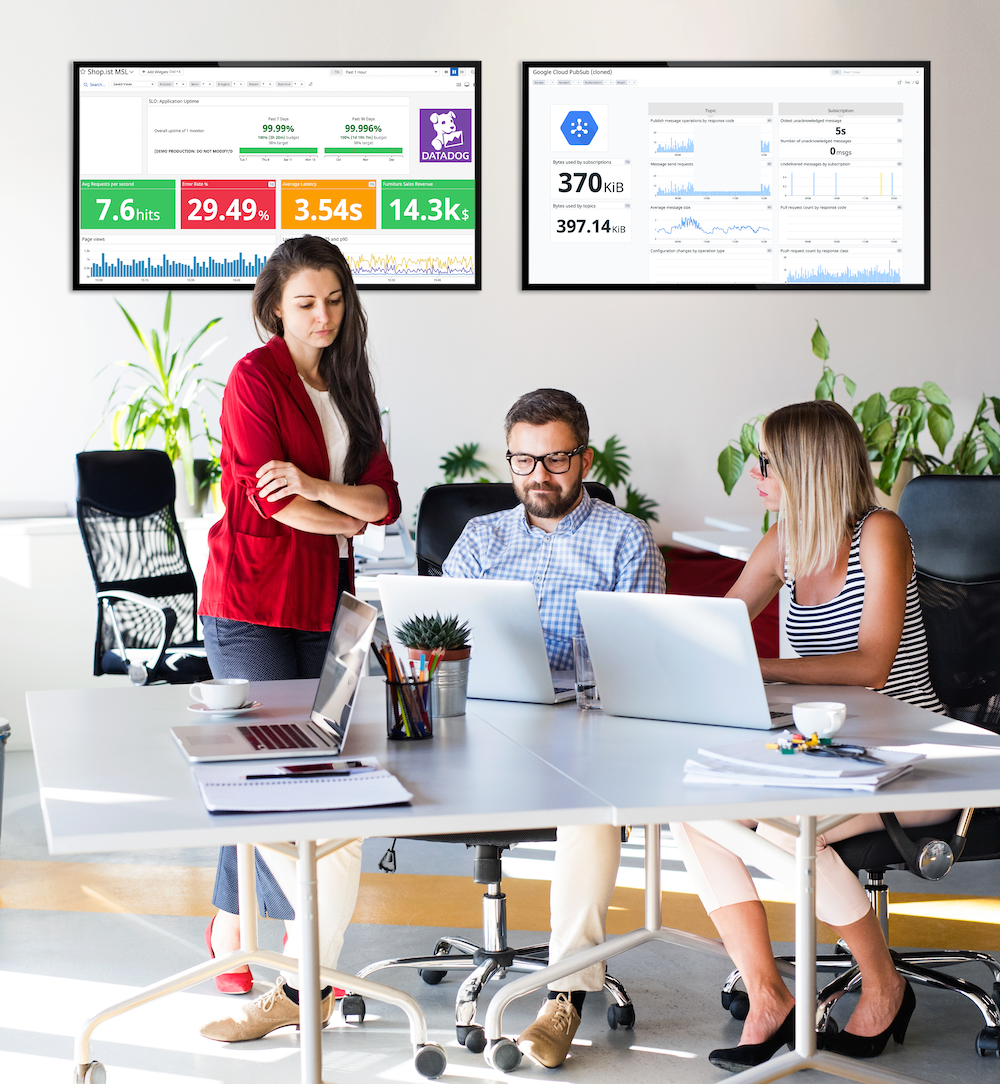
It’s easy to create Datadog dashboards for large-format screens, or TVs. Select the data you are adding to your dashboard and be mindful of how many components you are adding.
If you want your dashboard to be engaging, limit the number of overall graphics – use only those that are absolutely necessary.
Doing so will ensure that the charts and data will be large enough to be digested from a distance. And, after you’ve created your dashboard for a TV, connect it and test it on the larger screens to ensure readability.
Once you’ve created your dashboard, make sure it is set to TV mode. This will ensure that your charts and graphs don’t get cut off when it is being displayed on screen.
To set your Datadog dashboard to TV mode, open your dashboard and select the TV icon in the upper right corner of the window. You’ll be able to see the dashboard in its entirety—no scrolling necessary.
Remember, if your dashboard is hard for you to read in the TV mode preview, it’ll probably be hard for viewers to read as well, even on a large format screen.
Three Ways to Connect Your Datadog Dashboard to a TV
You’ve invested in connecting your tools to Datadog, building dashboards, and using them to make decisions and changes. You’ve probably already enacted TV mode on your Datadog dashboards. But, how can you easily connect your Datadog dashboard to a TV? We provide three ways; spoiler alert: one is much more secure and easier than the others.
- Direct connect from a Smart TV: If you have smart screens or TVs in your office, you can open a web browser on the device, enter the URL for your dashboard and press play. This approach is very simple if you have one or two screens. But, it’s not reliable, secure or easy to scale. URL sharing will need to be enabled in your Datadog account for this approach to work; many organizations have turned off that functionality to ensure data remains secure. Also, you will spend a lot of time playing these dashboards if you have more than two screens.
- Direct connection between a computer and screen: You can connect your computer to the TV monitor using an HDMI cable or screen mirroring. Again, this is a simple approach—all you need is the right cable. You can log into your Datadog dashboard and share it to the screen. But, this is extremely time and resource intensive as you’ll need to log into each individual computer and screen combination to share the dashboard across multiple screens. And, security can be an issue if you are sharing passwords to authenticate to screens.
- Cloud-based digital signage: To avoid the security and time issues mentioned above, you can connect your dashboard to screens using a digital signage content management system (CMS) like Skykit Beam. It’s simple, it’s efficient, and you can display multiple dashboards easily through a playlist. You can also easily display dashboards across multiple screens and locations without manually logging in to each individual screen. Using a digital signage CMS means you have greater flexibility in how, when, and where you display your dashboards. You just need a Skykit license and some basic hardware.
Don’t leave your Datadog dashboards behind or stuck behind an individual computer. Bring them out to large-format screens to encourage your team to track metrics, make real-time decisions and positively impact your operations.
See how easy it is to get started today!










.svg)


