.svg)
Discover how to streamline digital signage management on a large campus with centralized control, role-based permissions, and best practices for successful implementation. Ensure cohesive, up-to-date messaging with ease.
Campus Digital Signage with Ease: Best Practices
During a recent sales call, a university facilities manager described their current digital signage content as “poorly managed.” This stark admission reveals the difficulties many campuses face in keeping their digital displays successfully up-to-date.
With limited dedicated resources, marketing teams often struggle to consistently update signage content across multiple buildings and/or departments.
The manager expanded that without someone in a full-time content admin role, it had been challenging to ensure displays featured fresh, relevant messaging.
An additional complicating factor is when different campus units ( like admissions, athletics, and academics) manage their signage separately in silos.
This decentralized approach makes it hard to maintain brand consistency or coordinate timely campus-wide updates.
Whether for emergency notifications, event promotions, or donor recognition, unified messaging is nearly impossible when displays are controlled piecemeal.

Role-Based Permissions for Unified Messaging
During our sales call, the facilities chief mentioned interest in having a platform that could “galvanize the whole campus” with dynamic content updates. This highlighted the need for a unified system where different teams could securely contribute relevant messaging.
One benefit of Skykit’s digital signage platform is that users can create customized user roles and permissions.

For example, the marketing team could have access to publishing promotional content, while facilities staff add alerts about construction or closures. IT may only need back-end device management capabilities.
Setting up these granular roles ensures proper approval workflows for any content before it gets published. This maintains brand consistency across the screens – and subject matter experts and approvers can be built into the workflow to keep messaging on-brand.
The end result? A single platform where various campus teams can securely publish targeted content updates to displays. This creates a cohesive messaging system that engages the whole campus community.
Centralized Control for Streamlined Content Updates
Managing digital signage content across a decentralized campus can be incredibly cumbersome. Prospective customers we talk to often express frustration with having to manually update displays one by one. This requires staff to physically visit each screen on campus whenever new content needs to be pushed out.
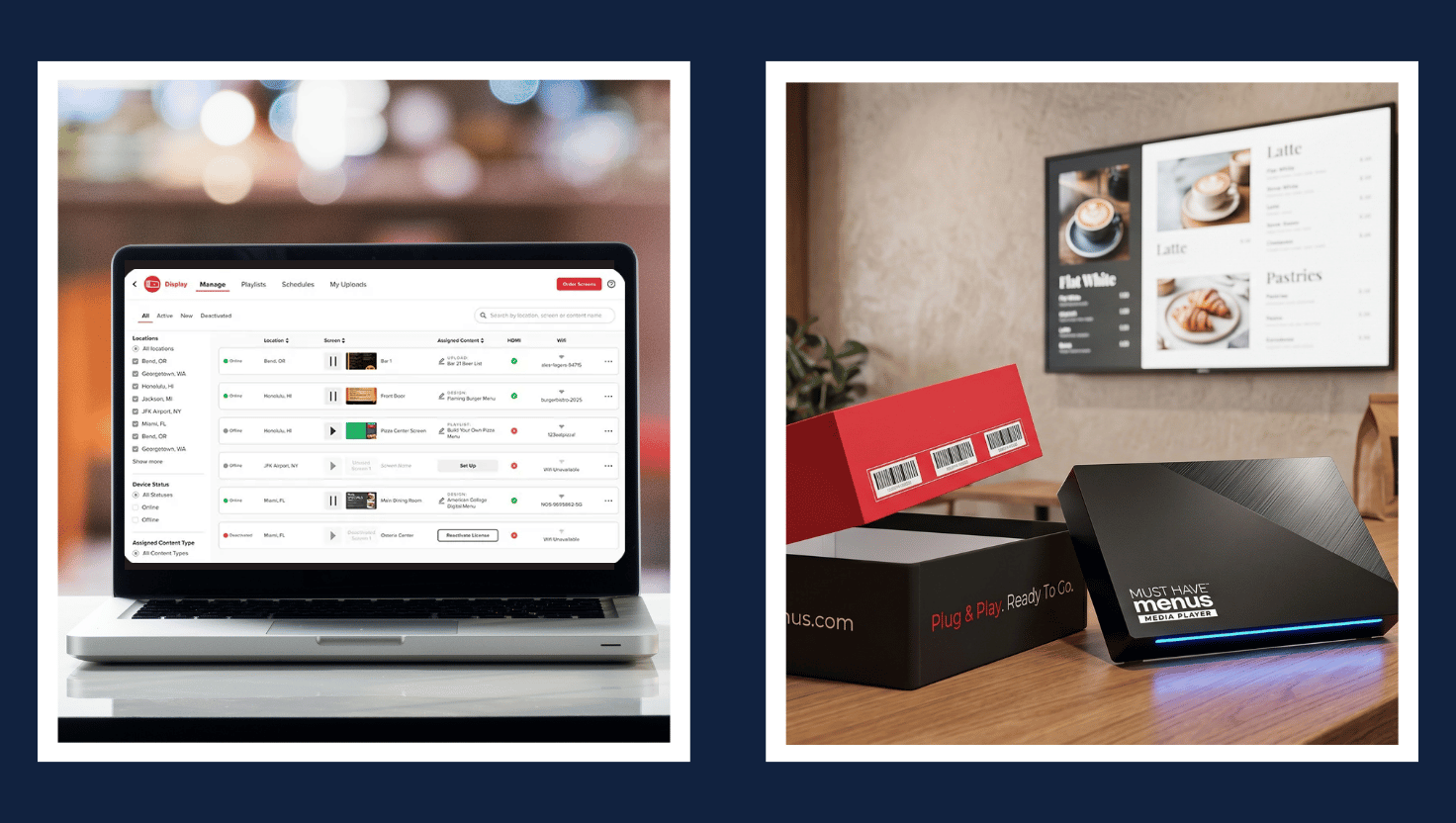
With a centralized content management platform, publishers can easily distribute updates to all displays simultaneously. New media and playlists can be published to the entire network in just a few clicks. This removes the need to touch each display to refresh content.
The platform also offers handy bulk actions that simplify campus-wide messaging.
For example, publishers can override all screens for emergency notifications or special events through a single action. After a set duration, the displays automatically revert back to their regular programming. This eliminates the hassle of a manual reset after temporary messaging.
Centralized publishing and bulk actions provide a huge time savings compared to decentralized display management. Marketing staff gain back all the hours previously spent walking from building to building to update content.
With a unified platform, anyone can instantly push fresh content to engage your campus.
3 Best Practices For Implementation
Although overseeing digital signage across a decentralized campus environment can be challenging, following some best practices during implementation can set your institution up for success.
- Be sure to get input from all relevant stakeholders, including IT, marketing, facilities management, and more. Understanding the needs and pain points of each group will ensure the solution addresses their requirements.
Designate specific content administrators who can configure the appropriate permissions and approval workflows for different teams and content types.
- Starting with a small pilot rollout is highly recommended before expanding the system campus-wide. This allows working through any issues on a limited scale first.
Pilot groups should include representation from each department to test real-world workflows. Gather feedback during the pilot to make any necessary adjustments.
- Don’t neglect training for decentralized teams that will be contributing content. Provide both initial and ongoing training resources to ensure proper usage of the system.
Make sure all content publishers understand the available tools, configured permissions, and best practices for creating content. Setting clear guidelines and offering support resources will lead to success.











.svg)


