.svg)
Over the past two years, companies have largely invested in remote-working and collaboration technologies. These solutions are designed to ensure teams could continue working, no matter where they were. Today, as organizations are evaluating the new normal for workplaces, consideration must be given to in-office technology investments, such as a digital signage solution.
Office technology, such as digital signage, room booking, visitor and employee management, conference room solutions, and more are all focused on engaging employees, regardless of how many days or when they are in an office or facility. These technologies are critical for organizations looking to build a smart workspace or engaging workplace experience.
Let’s dig in on one of these technologies, digital signage, and how you can use it to your advantage.
What is a Digital Signage Solution?
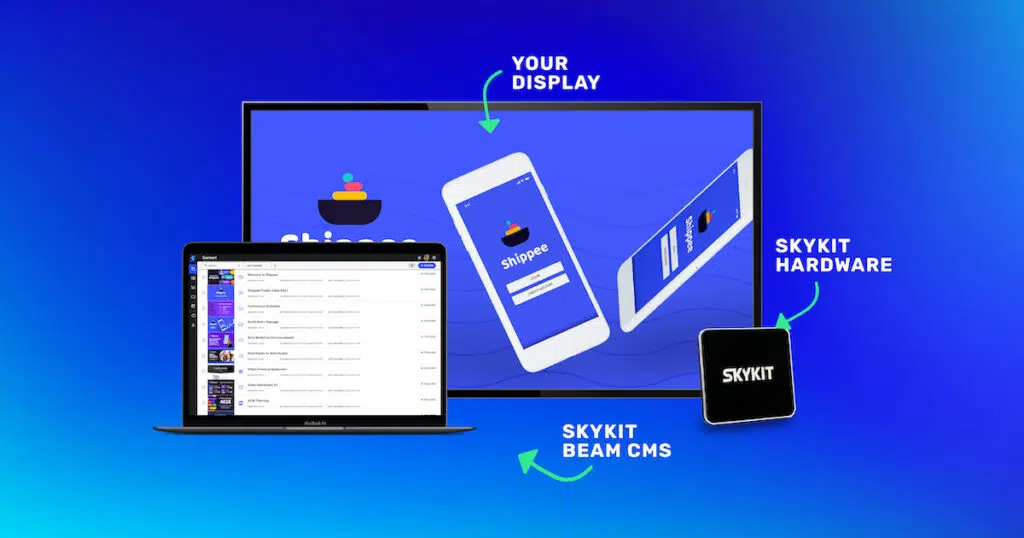
Digital signage is a highly visual and dynamic communication tool that delivers real-time information to a variety of audiences. There are three key components to a digital signage solution: the content management system (CMS), media players, and the screens, themselves.
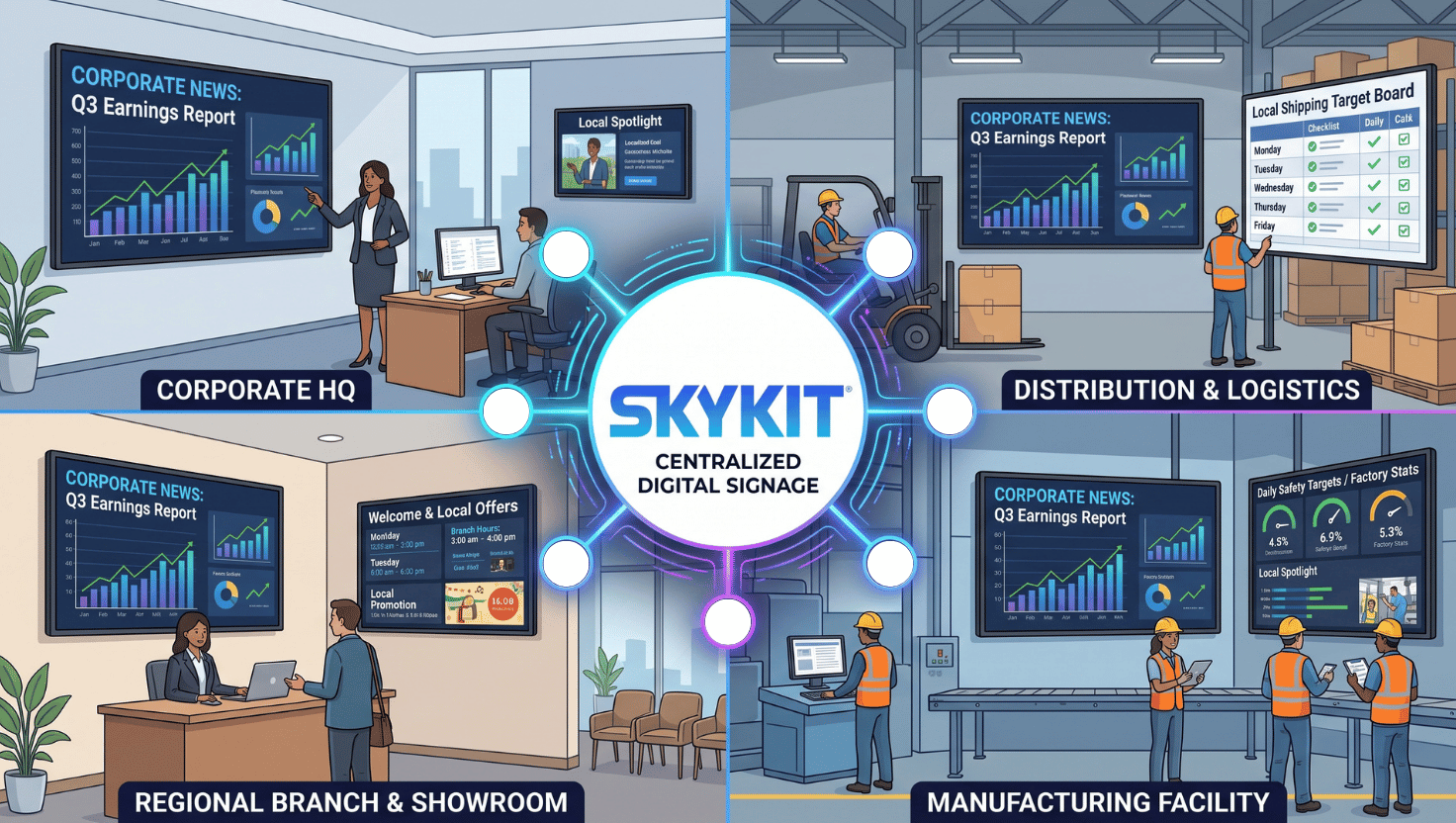
Organizations around the world appreciate that digital signage lets them communicate timely, relevant messages easily and more beautifully than ever before. Content can be managed down to a single screen or across hundreds of screens in locations near and far. Let’s take a deeper look at the three key components.
Digital Signage CMS
A digital signage CMS is the software you use to control the content on your screens. With modern, cloud-based solutions, the CMS is where you manage and schedule content to be shared on specific screens, anywhere in the world. Choosing the right CMS will allow you to update your screens and get your message across with ease.
Some considerations to review when it comes to selecting a CMS include:
- Ease of use
- Content types available
- Programs and playlists that can be created and customized
- Ability to label your screens for tailored content
- Integrations with collaboration tools like Google and Microsoft OneDrive
- Integrations or compatibility with a variety of displays
Digital Signage Media Players
A media player is the hardware or driver that connects the CMS software to the internet and the screens. Media players come in all shapes, sizes, and capabilities. They are a key component to your digital signage solution and likely require the most research.
Give some thought as to how you plan to connect your media player to the internet since not all of them offer the ability to connect to LTE, WiFi, and ethernet – or a combination of the three. Additionally, some commercial monitors are configured as a System on a Chip (SoC) player, meaning there is no external media player to connect. You should consider which media player configuration is the best fit, based on your content and data needs.
Digital Displays
Once you’ve decided on a CMS and media player, you should determine which type of screen will work best for your organization. Standard television screens will not withstand being on 24/7; rather, commercial-grade screens are the preferred option for digital applications.
Commercial-grade screens allow you to mount them either vertical or landscape because you can choose to mount a screen in either orientation. They also allow you to have the right amount of screen brightness, referred to as the nits rating, needed to effectively display your message. Finally, commercial-grade screens are designed to operate for longer periods, allowing your signage to be on 24/7 if needed. Also consider the environment your screens will be installed in. If they will be in a harsh environment, such as outdoors, you’ll want screens that can withstand those conditions.
Get Started with Digital Signage
Are you ready to implement a digital signage solution for your organization? Our latest whitepaper, “Smart Workspace Must-Have: Digital Signage” will help you make the case for investing in this technology for your company.











.svg)


