.svg)
Learn about the authentication issue caused by SSO – and how we've made it possible to display single sign-on dashboards easily and securely.
Single sign-on (SSO) dashboard solutions solve a critical security issue. But, they can also make certain tasks more challenging, such as displaying an SSO-authenticated dashboard on digital signage.
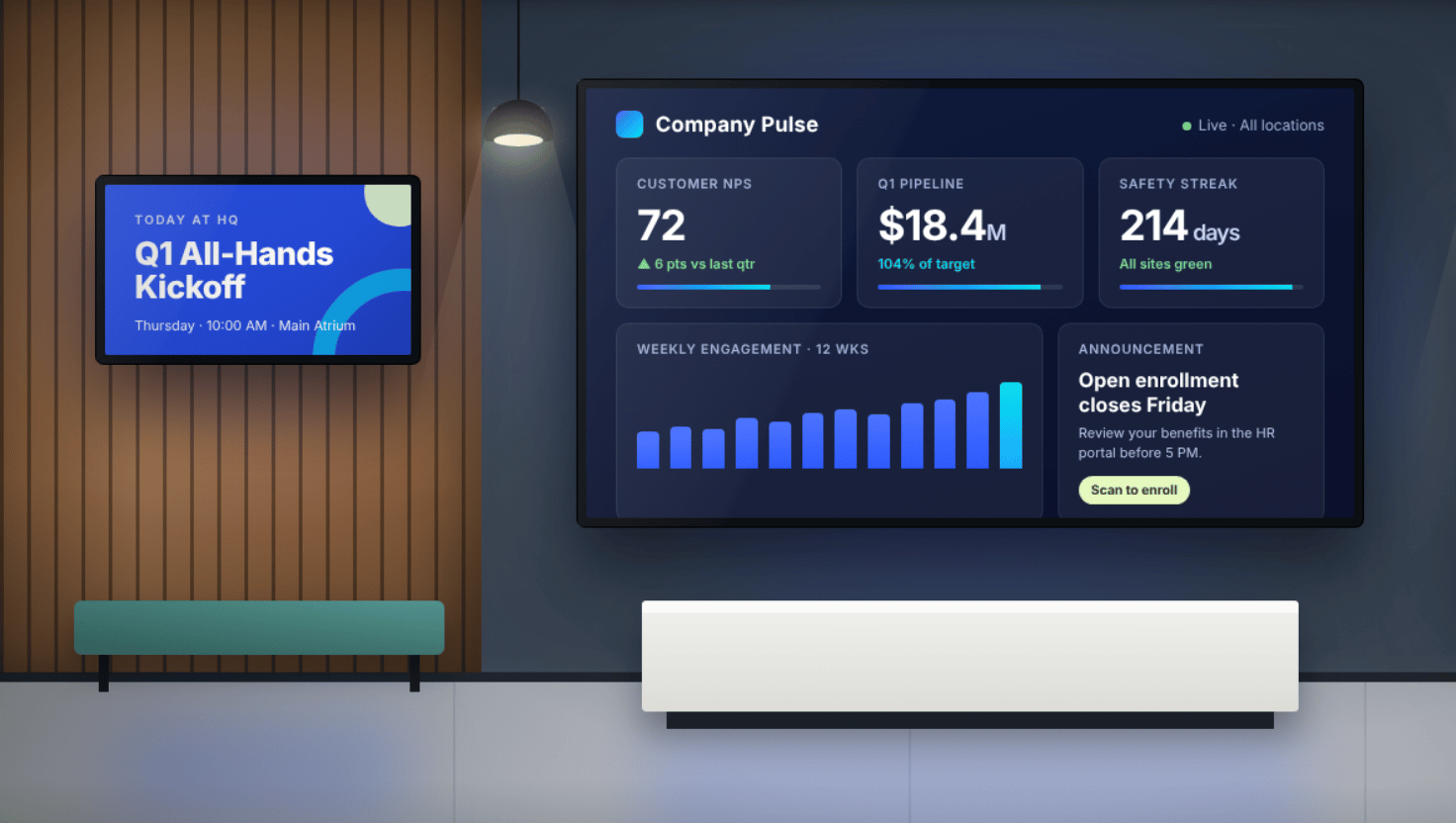
One of the areas that has been making these sacrifices in recent years is showing real-time dashboards that are most likely secured behind SSO. This concept is relevant across almost any industry and in multiple different areas within the business.
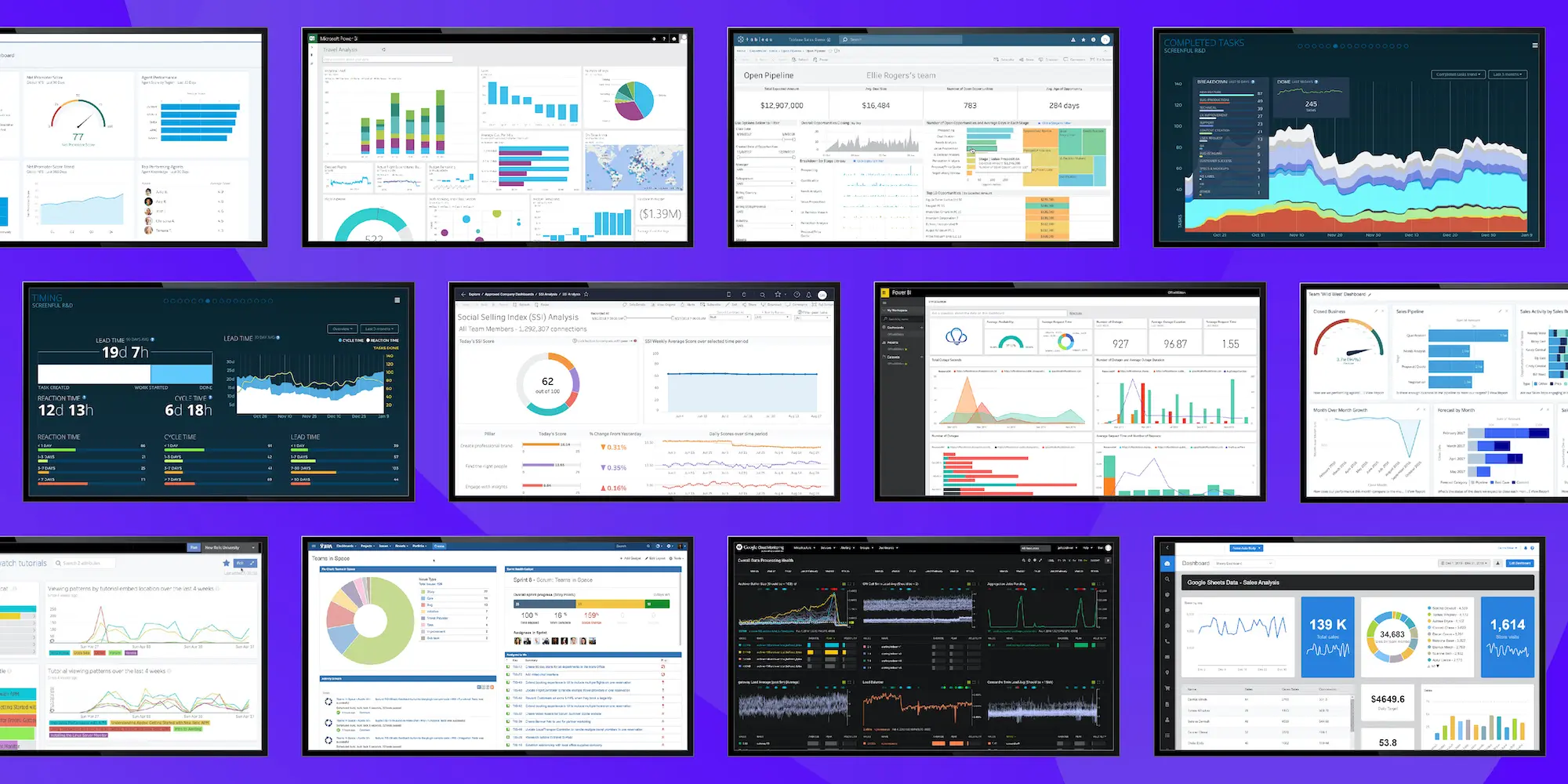
The most common use cases we’ve heard of are sales teams displaying CRM data, software development teams displaying development metrics with tools like Stackdriver, internal communications teams displaying intranet sites, and manufacturing floors trying to display real-time production numbers, oftentimes with something as simple as a spreadsheet like Google Sheets.
Let’s dive into a few different ways to display these dashboards and the security concerns around those methods. Then, we’ll take a look at why SSO can make this so difficult – but so necessary.
The Authentication Obstacle
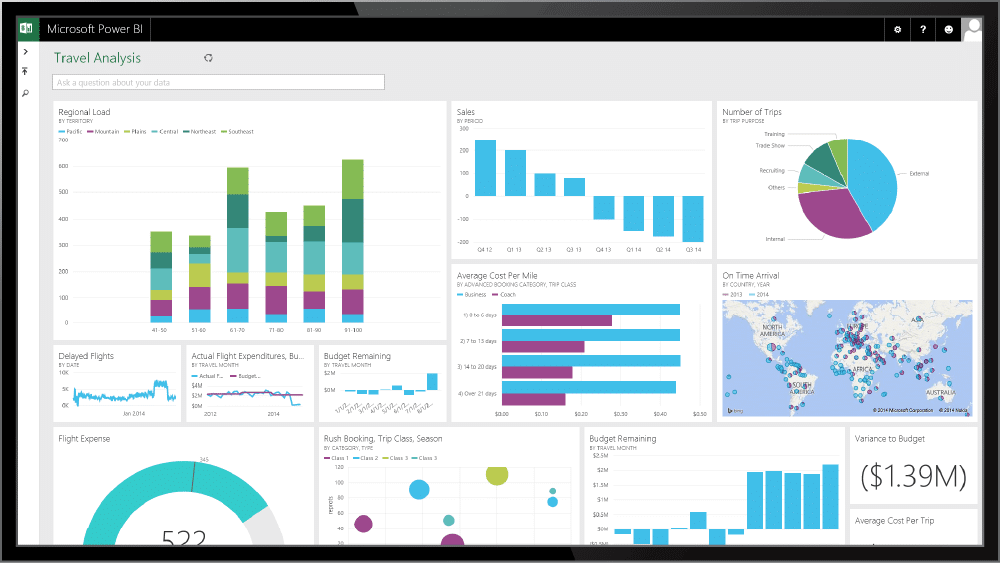
Most digital signage content management systems have the ability to display URLs as a type of content on devices throughout their networks. The majority of modern softwares used by enterprise companies are hosted on the web and can provide a URL. An example of some of these software could be any of the following: Salesforce, Tableau, Power BI, New Relic, Stack Driver, Jira, Trello, or Google Sheets – but you’re definitely not limited to those sites.
However, when you go to display dashboards from one of these sites in a CMS, the dashboard you wish to see won’t actually display. The source of the issue? The media player showing that dashboard doesn’t contain the authentication required to display the page.
What are the steps that a company can take to display these dashboards?
1) How to Display Digital Dashboards
Public URL
The most obvious and probably easiest way to display any of this content is to make these URLs a public link. In other words, you might make it so that the dashboard does not need any sort of authentication in order to view the URL. This method will work with almost any CMS on the market.
The glaring issue that comes with this method is that now any person who tries to view this dashboard can see it. In most cases, these dashboards contain proprietary information from the company that has created the dashboards, and therefore this is an unacceptable practice. The security team within that company would never give the green light to display dashboards in this manner.
2) Basic Access Authentication
The next easiest way to display dashboards is to use something called HTTP authentication or basic authentication. The idea with this method is that the dashboard still requires authentication.
If a random user or a bad actor tries to get to the dashboard, they’ll have to use some form of authentication to access the site. However, within the URL itself, you inject some form of the credentials, letting the site know that you are authenticated to view the dashboard.
This type of dashboard visibility can again be accomplished on essentially any digital signage CMS on the market, as it allows you to use the software’s ability to view web browsers. The security flaw with this form of authentication, though, is that if any person from outside of the organization gets access to this link, they will have access to that dashboard and any other sensitive data on the platform. For many organizations, this is an unacceptable risk.
3) Single Sign-On Dashboards
At a high level, SSO helps IT and security administrators control who has access to which platform and helps to manage their employee onboarding and offboarding. If an employee leaves a company, IT can just remove that old employee’s access to SSO, and they will no longer have access to any company information.
Without SSO, when an employee leaves, it’s up to someone – probably IT – to track down all of that person’s usernames and passwords and make sure they no longer have access to any company information. This can be very burdensome and time-consuming for the administrators.
With more and more companies moving their identity and access management over to some form of SSO, the problem of how to dashboard these sites is becoming increasingly complicated.
Now if a company wants to use HTTP authorization, but that site is protected behind an SSO wall, this method of authentication won’t work. When the user tries to load that site on a media player, the player will just show the SSO authentication page. This makes HTTP authentication unusable.
Creating a Solution for Dashboards
The question then becomes this: how can enterprise-level organizations leverage SSO but still display the dashboards that are crucial to the success of the company?
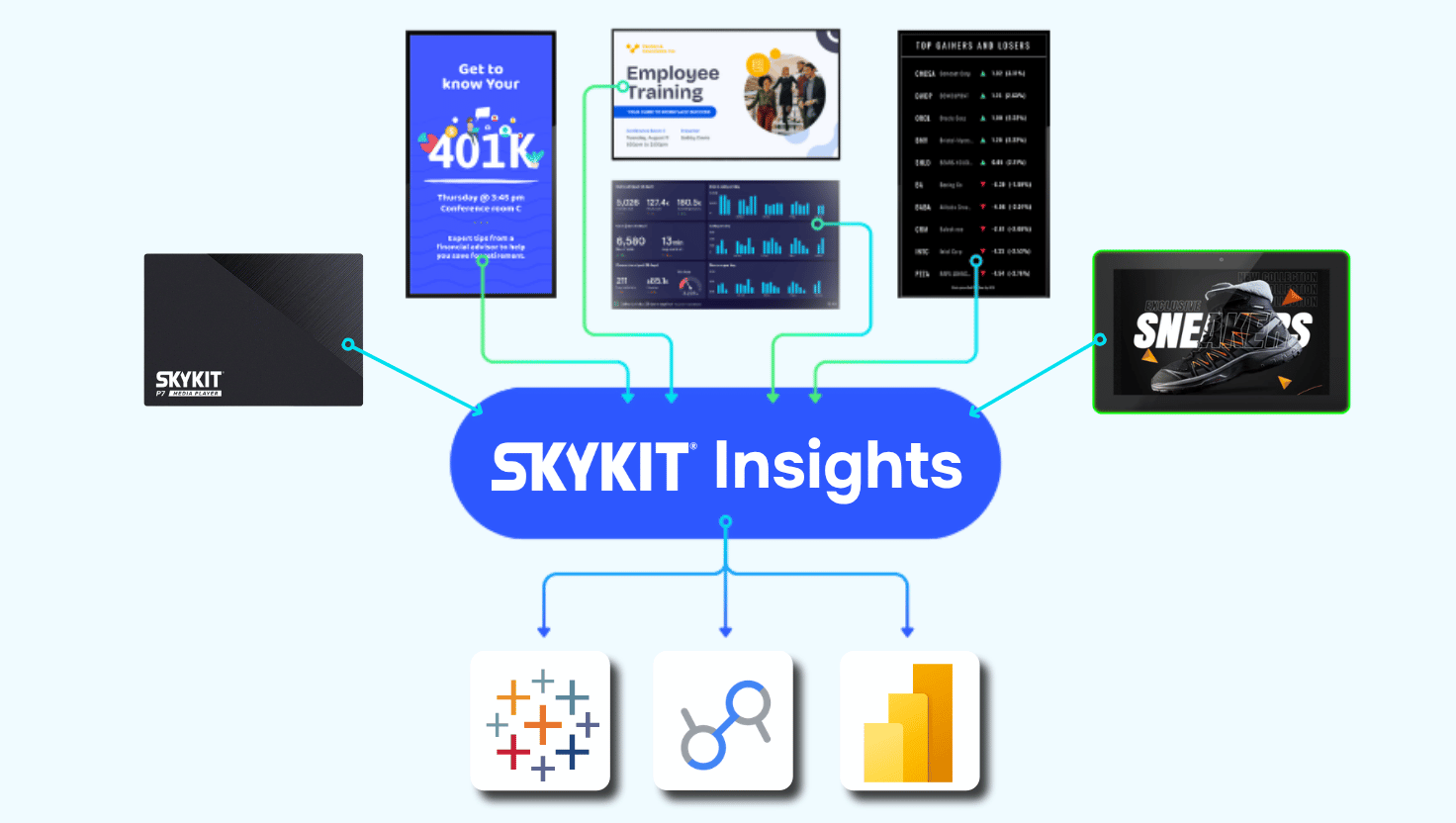
At Skykit, we’ve built a feature called “Dashboards” that allows our enterprise users to use a series of automators that will boot up the web page, inject the SSO credentials, and redirect the site from the SSO main page to the correct dashboard.
This is a complex process that requires specific automations for every site (Tableau, Salesforce, PowerBI, etc.) and every SSO (Okta, OneLogin, ADFS, etc.).
Each unique process requires customization, but once it’s set up, all dashboards on a given site will be able to be displayed.
Some of our competitors offer a similar process but require the client to set up the automation through their CMS developer portals. This can be complicated and requires substantial work on the part of the end-user. We’ve also seen direct API access to a few different specific tools, which can be very limited in terms of what dashboards you can show on your display.
Ready to Easily Display Dashboards with SSO?
If you have any questions about if our method of dashboarding is the correct method for you, please reach out to us today—we would be happy to discuss options with you. Displaying dashboards with Single Sign-On is a new area that we’re eagerly exploring, and we would enjoy hearing your use case!











.svg)


